2.10.0

Features


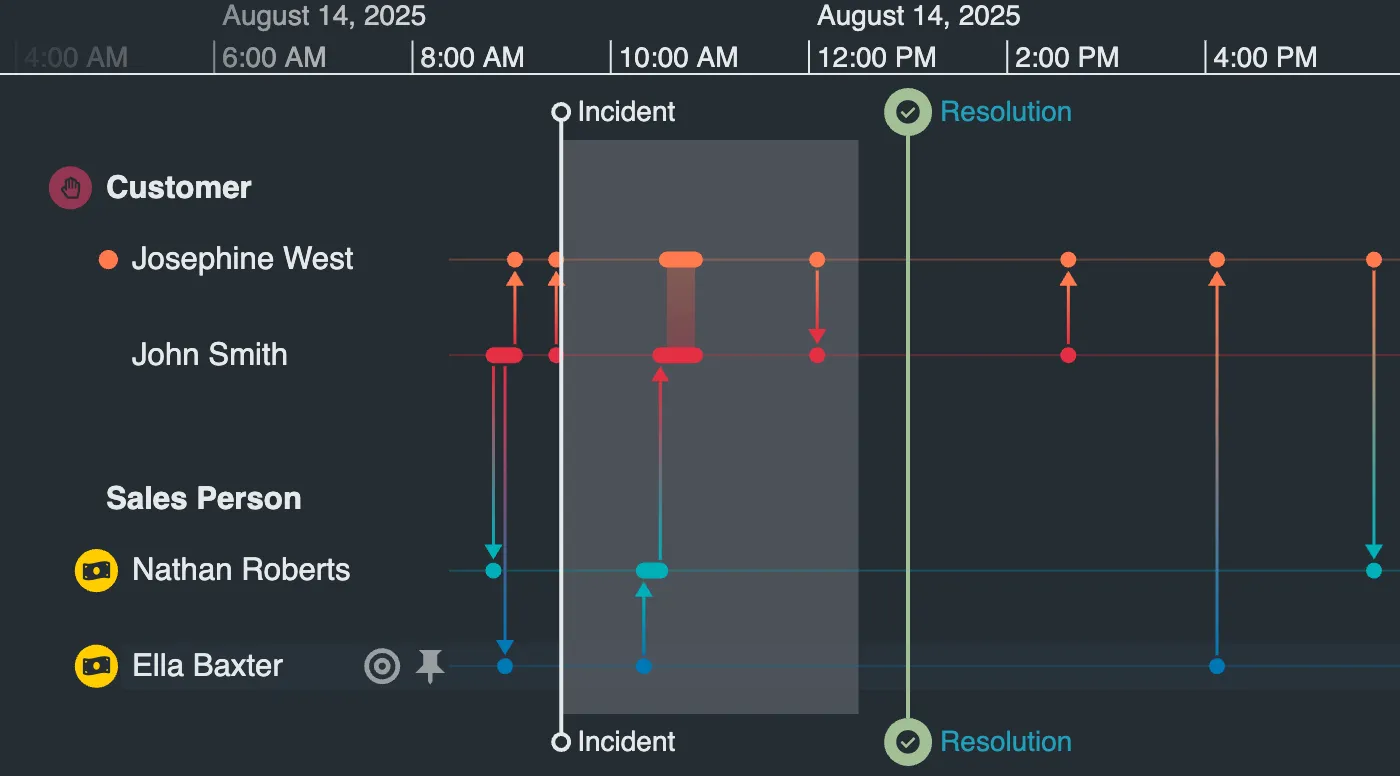
  • We've enabled createPortal to allow you to open your KronoGraph app in a new window. See it working in the Create Portal story.

  • We've added the new setContainer API to allow you to open your KronoGraph app in a new window. See it working in the Set Container story.

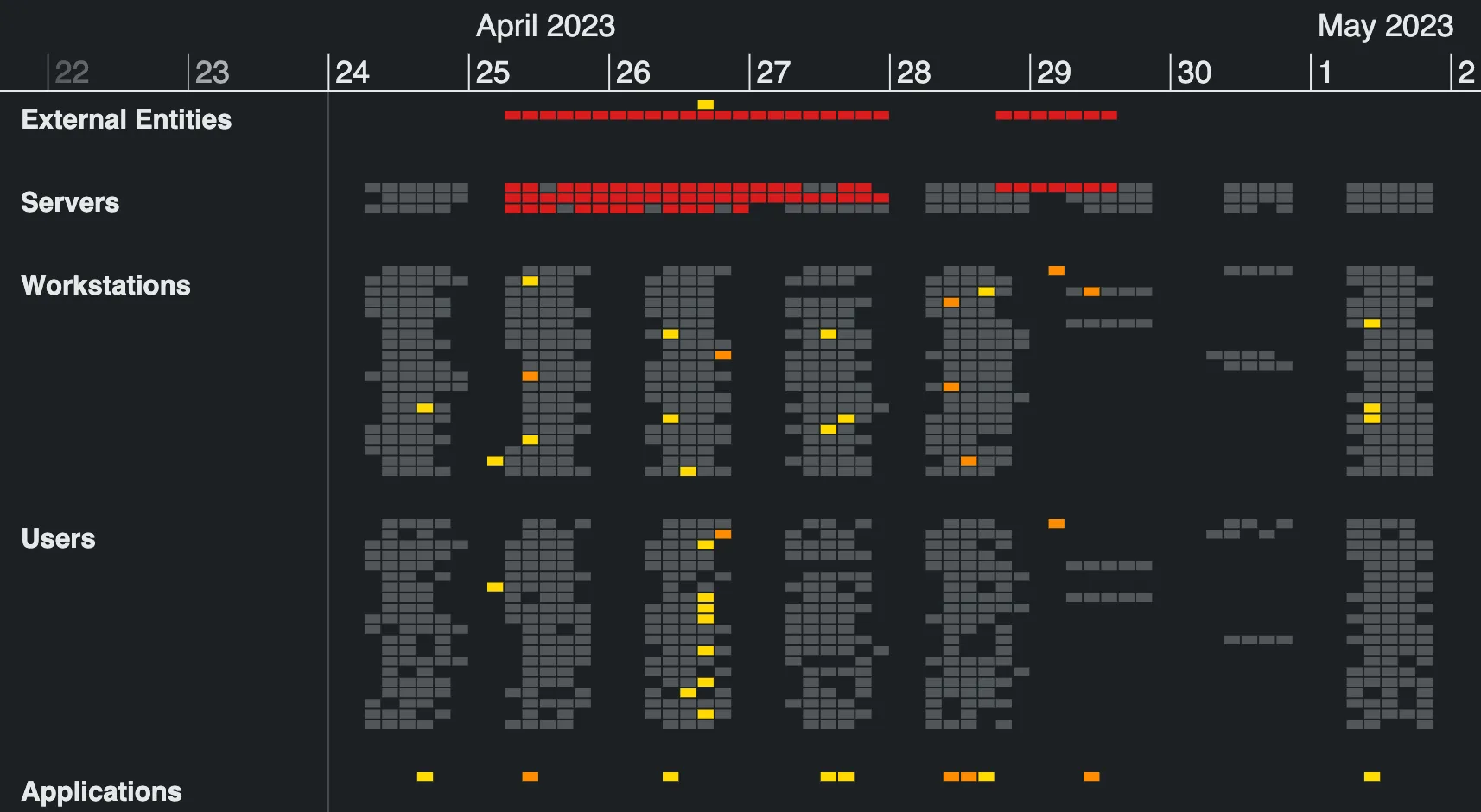


  • We've added a new scale styling API. The fadeAtLeft option controls whether the scale fades out at the left edge of the timeline.

Bugs Fixed

  • Fixed an issue where more than one event fold was highlighted when hovering the timeline.

2.9.0

Movie showing the scale guide feature

Features

  • Study your events with greater precision using the new scaleGuide feature. Whether the scale is visible or not, the handy vertical line reveals the exact time of events with configurable textFormat and snapDistance APIs. You can also style the scaleGuide to fit the existing design of your app. Try it out with the new Scale Guide story or the Email Analysis demo.
  • We're providing new guidance for accessibility, with useful information about the WCAG 2.1 guidelines.

Bugs Fixed

  • Duration events no longer flicker at very high zoom levels.

  • Ping animations are now centered on heatmap cells when there are no revealed events.

  • Ping animations are now centered on heatmap cells when there are no revealed events.

  • Hovering an event within an Event Fold no longer causes the entity to be briefly highlighted.

  • Fixed an issue where the subItem was not returned for heatmap cells in run rows.

2.8.0

KronoGraph timeline showing updated time series chart features.

Features

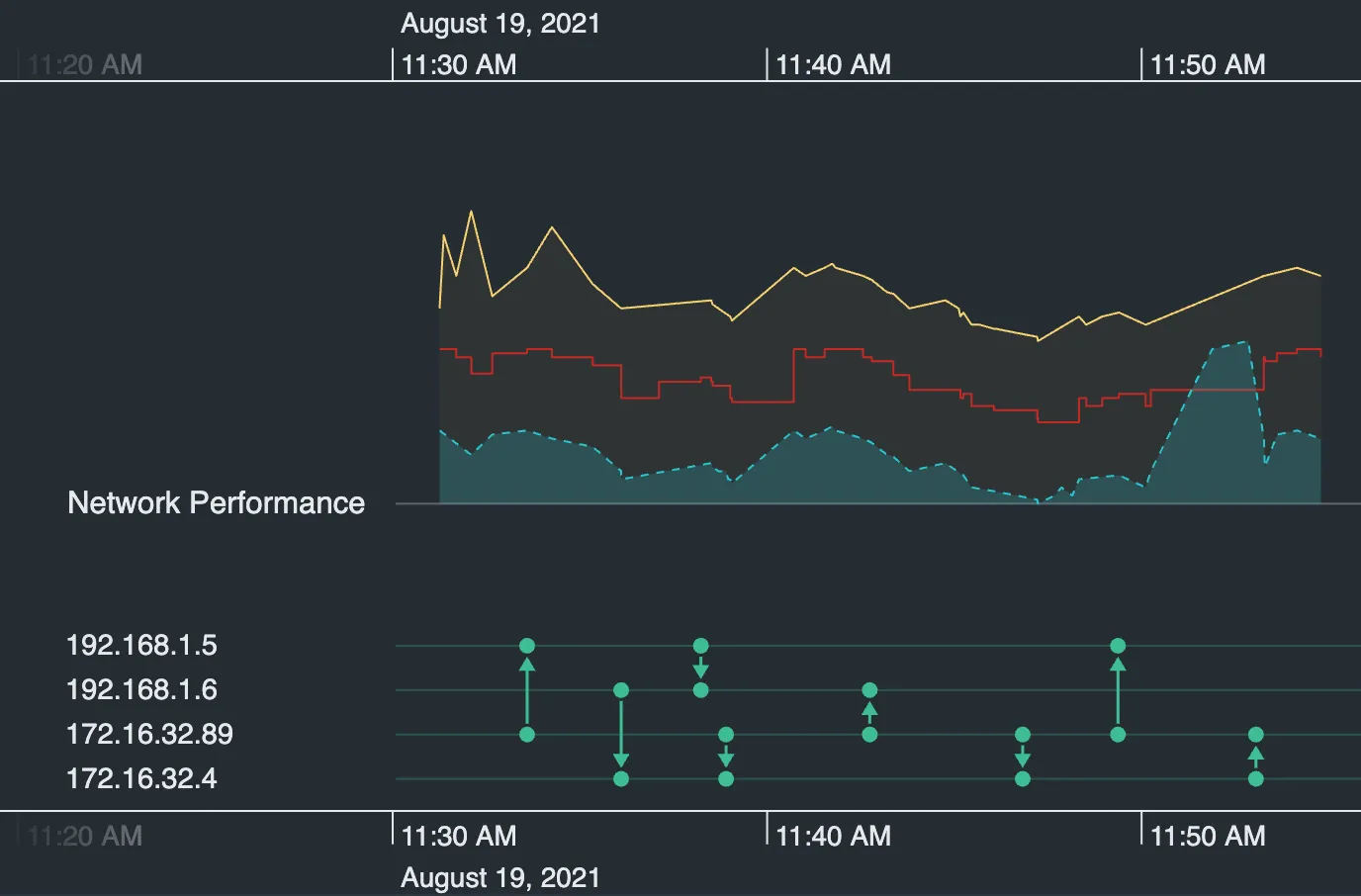
  • We've made improvements to time series charts, which are now out of Beta! We've added Stacks to allow you to fit more on the screen and directly compare charts. Take a look at the updated Time Series Chart Tooltips story for a nice example and to see how to add tooltips.
  • Make your charts shine! Try the new time series chart lineStyle option, giving you more control over the appearance of your chart and making stacked charts easier to distinguish.
  • It's now possible to adjust the time series chart shading to improve readability. Take a look at the updated Time Series Charts story or try the Network Traffic Analysis demo.
  • We've updated the Heatmap Colors story to include a legend to show how you can display your custom heatmap color scales to end users.

Enhancements

  • Performance has been optimized for loading data to the timeline, which is now more than 37% faster.
  • Accessibility for the KronoGraph SDK site has been upgraded.

Bugs Fixed

  • Row animations are now much smoother when panning or zooming.

2.7.0

Custom heatmap colors screenshot.

Features

  • The new heatmapColor API gives you the flexibility to tell the story you need to with custom heatmap coloring. For example, assign colors to types or a range of values. Explore the available coloring options in the new Heatmap Colors story. See also the Detection and Response demo which now highlights security alerts with a custom color scheme to match the alert status.
  • Users who are new to KronoGraph can now hit the ground running with our new Introduction demo.

2.6.0

Ping video

Features

  • In a sea of events, shine a light on the ones that really matter with the new customizable ping API. See how to set it up in the Ping Animations story.

  • In a sea of events, shine a light on the ones that really matter with the new customizable ping API. See how to set it up in the Ping Animations story.

  • We've added a new Emojis story to show you how to add special characters to your app.

  • The new Responsive Timeline story shows how KronoGraph can adapt to different viewport sizes by collapsing different elements in the timeline.

Bugs Fixed

  • The timeline remains draggable while animations are in progress.

2.5.0

Features

  • Load data in stages as you need it with our new support for large datasets. Use zoomOutLimit and panLimit to control how much of the data the user can see in the timeline. See an example of this in the Loading Large Datasets story.
  • Find meaning in your log files and keep tabs on your network security. Our brand new Detection and Response demo shows one way to do it by tracking alerts and only showing what is relevant.
  • Analyze important events in the sequence they unfolded and add more information with annotations in our new Crime Investigation demo. The demo is based on the 2018 Salisbury poisonings in the UK.

Enhancements

  • The lens highlight can now be removed with the new showLensHighlight API. See the difference in the Lens story.

2.4.0

Glyph and markers styling screenshot.

Features

  • Do you find yourself wanting to add extra visual information to your entities and entity types? Now you can with the enhanced glyph API. We've added font icon support in addition to finer control over color, size, position and more. See how it's done in the Styling Glyphs story.
  • Markers now allow you to add a duration using the TimeRange object. We've also enabled font icons as well as a myriad of new styling options. Take a look at the Markers story for inspiriation.
  • We're excited to bring you nanosecond support! As JavaScript doesn't support sub-millisecond numbers, we've created a new feature that allows you to use data with these very small intervals of time in KronoGraph. Check out the new Higher Resolution Time story to find out more.

Bugs Fixed

  • Firing a dragEnd event over a time series chart no longer causes an issue.

  • The lens highlight no longer flickers when the pointer is moved over the label area border.

  • The lens icon is no longer drawn outside of the lens lighlight area in certain circumstances.

  • Marquee drag is correctly applied when the pointer is moving at the time the click is released.

  • Hovering over the top or bottom scale only highlights the scale that is being hovered.

  • Using showEventsOnNeighbors no longer causes an issue with the heatmap.

  • getEvent and getEntity now return all the properties of the event or entity requested.

Deprecated APIs

2.3.0

Movie showing switch between linear and nonlinear scale mode

Features

  • We've added the ability to set the width of the label area with the new labelAreaWidth labelAreaWidth API. You can see an example in the Styling the Timeline story or read more in the new Label Area Width docs.
  • Sometimes events are spread too far apart or grouped too closely together to tell their story. In this case, spacing events evenly across the timeline could be more insightful. See how it could work in the new Sequence View story.
  • We've included a new search bar to the navigation at the top of the page. Search the KronoGraph SDK site as well as relevant Cambridge Intelligence blog posts and webinars.

Bugs Fixed

  • Entity ids that share internal property names are no longer visible when they don't have events in the current time range.
  • Entity names with double backslashes no longer disable the focus and pin controls.
  • Extra space is no longer added at the top of the lens when the lens is scrolled to the bottom of the timeline.
  • Arrows for complex events are no longer obscured when fadeOutsideRange is true and the lineWidth is larger than the arrows.
  • Duration events no longer cause heatmap cell end times to return incorrect values.

2.2.0

Features

  • We've added a new Supply Chain demo inspired by a mass recall of contaminated spinach in 2006 in the USA. The demo shows how KronoGraph can quickly reveal issues in a complex supply chain, help trace shipments from production to retailers, and resolve the issue on a smaller scale without negatively impacting the entire supply chain.

Bugs Fixed

  • Fixed an issue where the timeline range was not correctly set when events were outside of the default range.
  • Fixed an issue where the default font icon color wasn't applied correctly.
  • Fixed an issue to make the interaction area for non-aggregated single event joins larger.
  • Fixed a display issue in Safari for the Geospatial demo where a triple click on the map showed a colored overlay.

2.1.0

Reveal events screenshot.

Features

  • Show events while viewing the heatmap with the new reveal API and bring them into focus by fading out unrelated rows that don't have revealed events with revealHeatmapAlpha. See an example in our interactive Reveal story.

  • Show events while viewing the heatmap with the new reveal API and bring them into focus by fading out unrelated rows that don't have revealed events with revealHeatmapAlpha. See an example in our interactive Reveal story.

  • Heatmap cell information is returned via the subItem object, allowing you to find the properties of the cell and add interactions, such as tooltips seen in the Heatmap Tooltips story.

  • Export a static PNG image of the timeline with the new export API and share it with colleagues and customers. See the Export to PNG story.

  • Export a static PNG image of the timeline with the new export API and share it with colleagues and customers. See the Export to PNG story.

Bugs Fixed

  • Entity ids containing a '|' character no longer cause an issue when hovering over focus or pin for that entity.
  • Fixed an issue where a highlight was added to the scale during marquee drag.
  • Fixed an issue in the lens where rows near the edge could be too thin when scrolling.
  • Fixed an issue where the lens icon was cut off.
  • Removed unnecessary lens highlight flickering when moving the pointer over events.
  • Removed the behavior allowing the marquee zoom to start when the pointer was not over the scale.
  • Console log warning advising the use of 'willReadFrequently' removed.

2.0.0

Introducing Lens, the new navigation experience

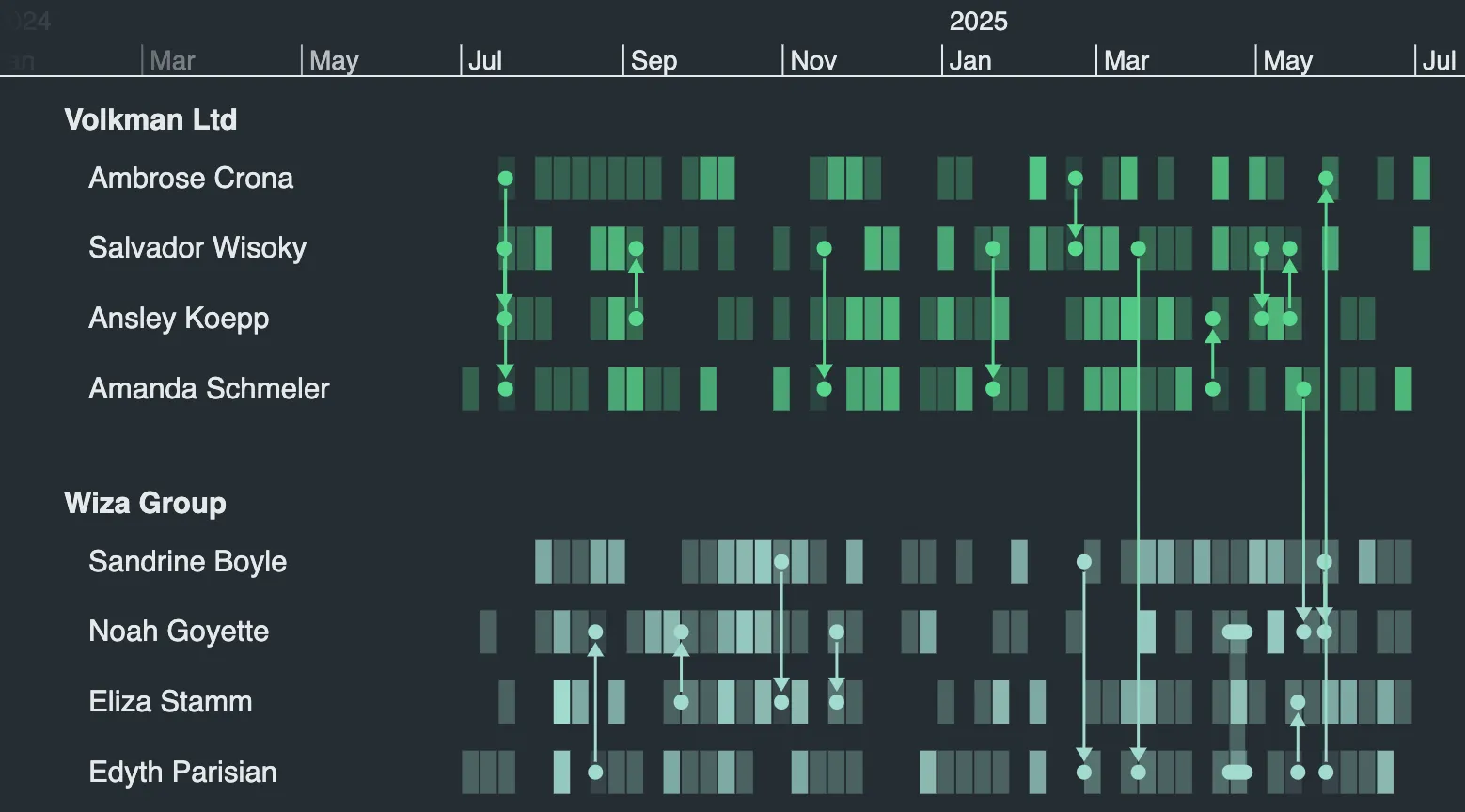
KronoGraph now shows event data for all entities in the timeline to give you an instant and tidy overview of your data. This allows you to identify areas of interest right away, and then take a closer look using the lens feature.

To open the lens, simply hover over the part of timeline that you want to investigate and click the lens control control. The lens will keep the context of where you are in the data while enlarging a small section of it. You can scroll to bring new data into view.

We're also giving you the option to control the lens through the lens API as either a getter or a setter.

We're also giving you the option to control the lens through the lens prop as either a getter or a setter.

We're providing some new TargetType options. You can use 'lensControl' and 'lensScrollbar' to determine how your users are interacting with the lens and add customizations. We have a new dragType, called 'lensScrollbar', which is returned when the scrollbar is used.

Try it out with the Lens story or Terror demo.

See our Migration Guide for help updating your app.

We've added a new Glyphs feature

Glyphs can be used as a visual marker for your entities, like in our Fraud demo. Or add them to groups to clearly associate entity rows with their group labels, see our Terror demo for an example. Add them to your data using Entity.glyph and EntityType.typeGlyph. There's more to come here so look out for updates in later releases.

The heatmap has been upgraded

The size of the heatmap cells are now calculated in a way that shows more detail for large datasets. We're also quantifying the alpha values in a way that gives greater differentiation between cells.

New and updated APIs

  • New label property returned for pointer events.

  • New 'pointer-move' event behavior fires if the timeline moves beneath the pointer as well as the pointer over the timeline.

  • The hover event has been updated, so its not just fired when the id changes but also when the target type changes.

  • The onTimelineHover event has been updated, so its not just fired when the id changes but also when the target type changes.

Breaking Changes

  • Heatmap cell alpha values have a new calculation applied. Visual breaking change only.

  • When hovering over the focus or pin controls, the hover event handler now returns 'id' instead of '_focus|id' or '_pin|id'. Use targetType to check if your pointer is over the focus or pin controls.

  • When hovering over the focus or pin controls the onTimelineHover event handler now returns 'id' instead of '_focus|id' or '_pin|id'. Use targetType to check if your pointer is over the focus or pin controls.

  • color now defaults to 'entity'. Visual breaking change only.

  • heatmapPadding now defaults to true. Visual breaking change only.

  • heatmapThreshold now defaults to 100. Visual breaking change only.

  • showCircles now defaults to false. Visual breaking change only.

  • showEventFolds now defaults to true.

  • showLines now defaults to 'individualEvents'. Visual breaking change only.

  • standardRowHeight now defaults to 24. Visual breaking change only.

Deprecated APIs

  • We have deprecated priority. It remains part of entityType, but no longer has an effect.

Removed APIs

  • expand event

  • expandedRowId

  • expand option of controls

  • targetType values: 'collapse', 'expand', 'entityGroupMore', 'entityGroupRun'

Terms of use

These terms do not alter or supersede any existing agreements between you (or your employer) and us.

By accessing or using any Content you agree to be bound by these Terms of Use. Please review these terms carefully before using the website.

The contents of this website, including but not limited to any text, code samples, API references, schemas, interactive tools, and other materials (collectively, the 'Content'), are made available for informational and internal evaluation purposes only. All intellectual property rights in the Content are reserved. No licence is granted to use the Content for any commercial purpose, or to copy, distribute, modify, reverse-engineer, or incorporate any part of the Content into any product or service, without our prior written consent.

This Content is provided “as is” and “as available,” without any representations, warranties, or guarantees of any kind, whether express or implied, including but not limited to implied warranties of merchantability, fitness for a particular purpose, non-infringement, or accuracy. To the fullest extent permitted by applicable law, we expressly exclude and disclaim all implied warranties, conditions, and other terms that might otherwise be implied.

We disclaim all liability for any loss or damage, whether direct, indirect, incidental, consequential, or otherwise, arising from any reliance placed on the Content or from your use of it, to the fullest extent permitted by applicable law. By continuing to access or use the Content, you acknowledge and agree to these terms.