1.8.1

  • We've updated our branding in an internal component.

1.8.0

Enhancements

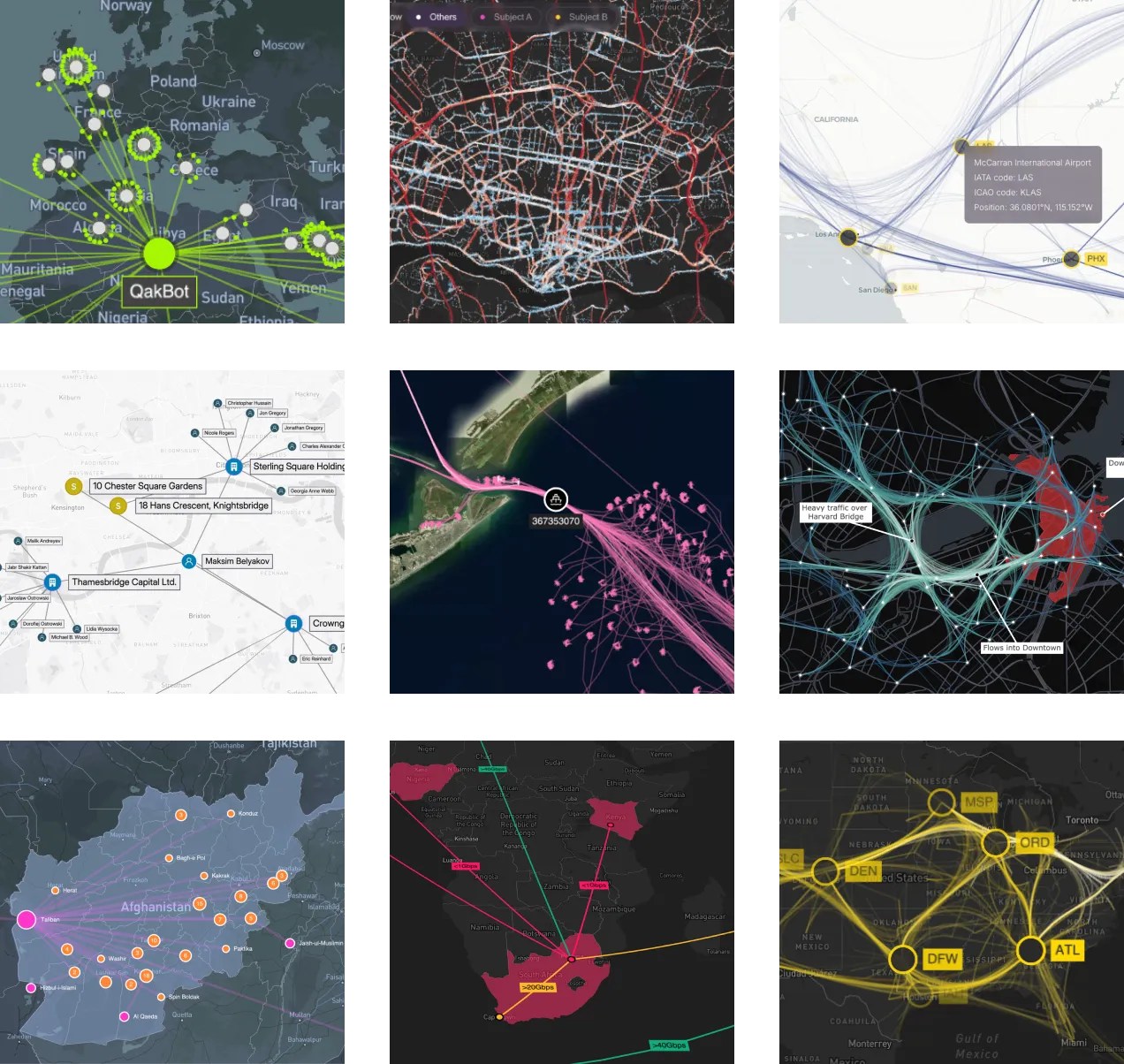
  • We've added a new Global Cyber Infrastructure showcase, seamlessly integrating MapWeave with KeyLinesReGraph, to monitor a global infrastructure network with local sub-networks at each site.
  • Find out how to use event handling to drag fixed nodes with the new Relocate Fixed Nodes example.

Bugs Fixed

  • Free nodes are now stationary at high zoom levels after the layout has completed.
  • Node labels are now scaled correctly with overrideStyleoverrideStyles.
  • fitOnFirstLoad is now compatible with strict mode.
  • The view prop is now accessible via the MapWeave ref.

1.7.0

Features

  • We've launched new MCP servers across our products to help AI agents in your code editor interact with our APIs and documentation. Use the MapWeave MCP server to get better assistance during MapWeave development, or add our MCP servers together when integrating multiple products. See the MCP Servers documentation for details.

Bugs Fixed

  • Network layer items no longer generate click or hover events when they have an alpha value of less that 0.1. This transparency happens when using adaptive opacity or when nodes and links use an rgba color value.

1.6.0

Features

  • Create responsive interactions and conditional styling without having to reload layer data using the new override style API. Find out more in the Override Item Styles docs.
  • We've added a new option to show direction on network layer links by adding arrows and flow animation. We've also updated the Graph Analysis functions with a directed option so you can choose whether the direction influences scores.
  • We added a visible property to node and link labels, enabling you to easily hide labels by default on busy maps and use overrideStyleoverrideStyles to reveal them, for example, on hover.

Breaking Changes

  • The observations layer options style property has been renamed to mode to better reflect its functionality.
  • The observations layer options autoStyleFadeTime property has been renamed to autoModeFadeTime.
  • We introduced a maxZoom option, which defaults to 20.

1.5.0

Features

  • Quickly and easily fit the map to your data without having to specify the exact coordinates of the view. Use fitBounds() to set the view, either to all your data or a subset thereof. Use with getBounds() to fit to the data in a layer or specific items within a layer.
  • Take your users on an animated journey from one point to another with flyTo(). Simply specify a point on a map for a seamless transition.

Bugs Fixed

  • Images not present in the initial load of a network layer are now displayed correctly on combined nodes.

1.4.0

Features

  • Rounded corners are available for link and node labels and are set as default.
  • The MapWeave site is optimized to be mobile friendly, including login, docs and API pages. Showcases, playgrounds and examples are still better viewed on larger screens.

Bugs Fixed

  • A ViewChangeEvent definition has been added to the API.

1.3.1

1.3.0

Features

  • We have a new Pattern of Life showcase showing how MapWeave and KronoGraph can be used together for powerful time and space analysis. Explore how such an integration might be built with the Observations with KronoGraph example.

Bugs Fixed

  • Adaptive scaling is now correctly applied to combo nodes in the network layer.
  • Observations layer data now reloads correctly when using a subset of the original data.
  • MapWeave now accepts negative altitudes.

1.2.1

  • In React, the Mapbox ref prop and the MapLibre ref prop are now optional.
  • The Mapbox ref prop and the MapLibre ref prop are now optional.

1.2.0

Features

  • Our geospatial graph layout now automatically separates free nodes, reducing the chance of overlaps and showing a clearer view of the network.
  • Tracker node positions are now available using the getTrackerNodePositions instance method, which could be used to check if a tracker node intersects a shape in the GeoJSON layer. See how to use it in the Geofence Tracker Nodes example.
  • The new view prop for onViewChange events returns the SizedViewState when the map view is updated, e.g. by zooming or panning.

Bugs Fixed

  • Resolved a memory leak when auto-generating ids in the GeoJSON layer.
  • Trajectories no longer obtrude beyond individual observations when there is a sharp angle.

1.1.0

Bugs Fixed

  • Layer content stays visible when the MapWeave app is moved between retina and non-retina displays.
  • The MapLibre/Mapbox instances are now correctly exposed via the React API.
  • Events always return longitude values in the range [-180,180] when the map is wrapped.
  • Tracker nodes no longer detach from their trajectories when zooming while proximityCombine is enabled.
  • The standalone adapter now sets view view bounds correctly.
  • Pinned nodes in the network layer are no longer incorrectly repositioned when MapWeave is loaded.

1.0.1

  • Tracker nodes no longer cause an exception in the network layer when their visibility changes.

1.0.0

We're excited to announce the first General Availability release of MapWeave! If you participated in our Early Access Program, thank you - it was incredibly helpful to have so many of you taking part and providing valuable feedback.

MapWeave is still evolving and improving fast, but the API is now stable and supported.

MapWeave 1.0

New Features

  • Our geospatial graph layout, which determines the positions of free nodes in the network layer, has been significantly improved for Version 1.0. You'll see big improvements to performance, and better visual results for networks with long chains or clusters of free nodes.

Breaking Changes

In order to reach a stable API for version 1.0, we've made some breaking changes in the following areas:

  • MapWeave now has much stricter validation of inputs. Descriptive errors will be thrown if inputs violate these validation rules.
  • The interaction event handling API has been comprehensively revised. Please check the Interactions examples and the API reference to ensure you're using the latest stable events API.
  • The BasemapLayer has been renamed to TileLayer to better reflect its purpose.
  • Some redundant APIs and type definitions have been removed from the public API.

Known Issues

All known issues were fixed in 1.1 release.

  • Dragging nodes to negative longitudes incorrectly fails validation.
  • The underlying MapLibre/Mapbox instances are currently not exposed via the React API.
  • Setting specific view bounds is currently not possible when using the standalone adapter.
  • Layer content currently disappears if the MapWeave app is moved between retina and non-retina displays. Refresh the page to bring it back.

What's Next?

As well as various fixes and documentation improvements, some of our top priorities for upcoming releases include:

  • More code examples, including the 'now line' from some of our time-dependent showcases.
  • A site search and a more readable API reference.
  • A more flexible and powerful styling API to better support user interactions such as hover and selection states.
  • More showcases to illustrate how to use MapWeave alongside our other libraries.
  • A library of geospatial helper functions such as identifying when an item is within the bounds of a polygon, or detecting co-location or convoy behaviour in an observations dataset.
  • Alternative visualizations to summarize the observations layer.

As always, if you'd like to see something in the toolkit, do let us know at [email protected].

Terms of use

These terms do not alter or supersede any existing agreements between you (or your employer) and us.

By accessing or using any Content you agree to be bound by these Terms of Use. Please review these terms carefully before using the website.

The contents of this website, including but not limited to any text, code samples, API references, schemas, interactive tools, and other materials (collectively, the 'Content'), are made available for informational and internal evaluation purposes only. All intellectual property rights in the Content are reserved. No licence is granted to use the Content for any commercial purpose, or to copy, distribute, modify, reverse-engineer, or incorporate any part of the Content into any product or service, without our prior written consent.

This Content is provided “as is” and “as available,” without any representations, warranties, or guarantees of any kind, whether express or implied, including but not limited to implied warranties of merchantability, fitness for a particular purpose, non-infringement, or accuracy. To the fullest extent permitted by applicable law, we expressly exclude and disclaim all implied warranties, conditions, and other terms that might otherwise be implied.

We disclaim all liability for any loss or damage, whether direct, indirect, incidental, consequential, or otherwise, arising from any reliance placed on the Content or from your use of it, to the fullest extent permitted by applicable law. By continuing to access or use the Content, you acknowledge and agree to these terms.