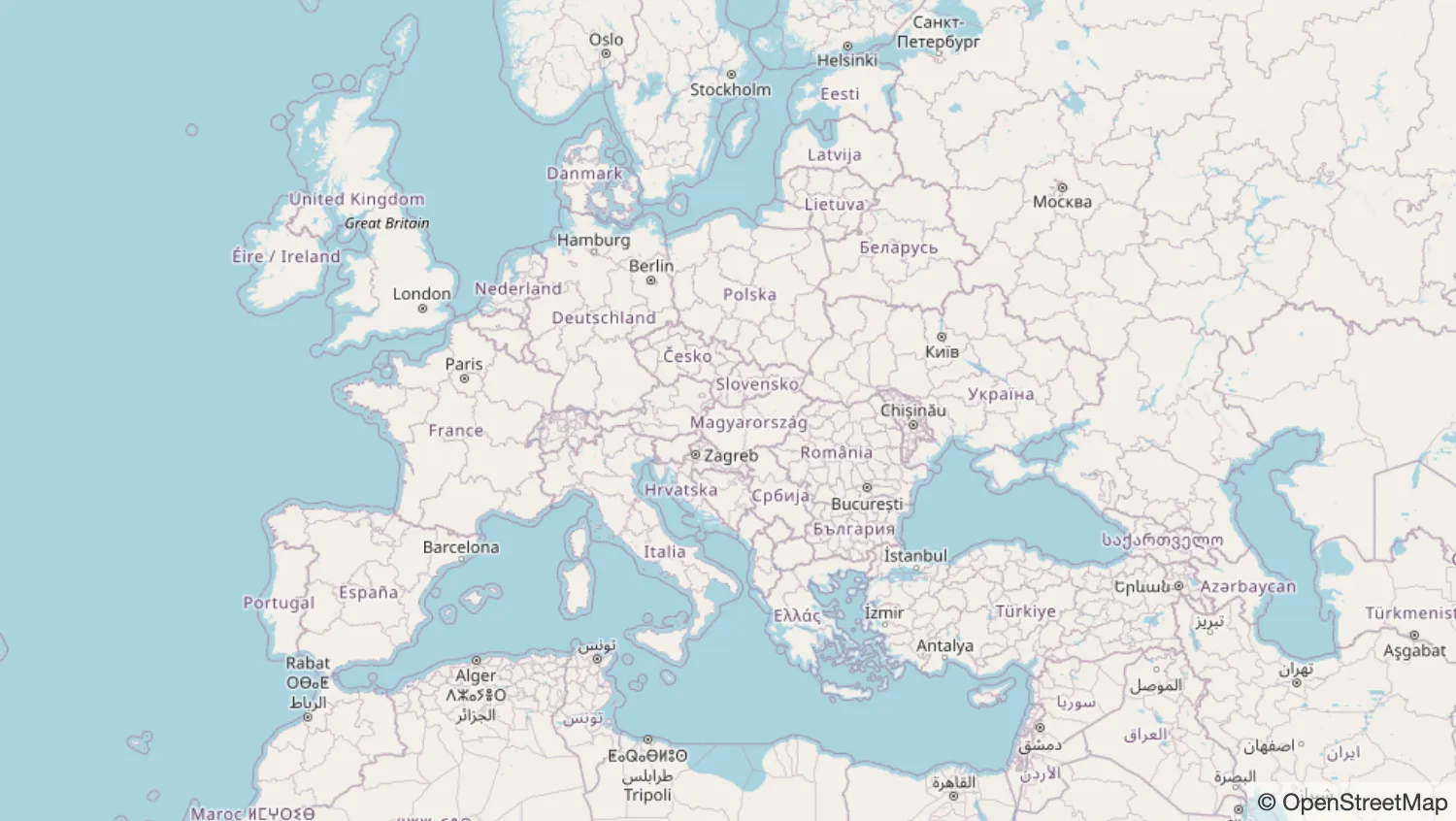
If you don't want to use a third party basemap library, MapWeave offers a standalone adapter which lets you import map tiles to a TileLayer.
import { MapWeave } from "mapweave/standalone";
import { TileLayer } from "mapweave/layers";

export const mapweave = new MapWeave({
  container: "mw",
});

mapweave.addLayer(
  new TileLayer({
    data: "https://tile.openstreetmap.org/{z}/{x}/{y}.png",
    options: {
      attribution:
        '<a href="https://www.openstreetmap.org/copyright" target="_blank">© OpenStreetMap</a>',
    },
  }),
);<!doctype html>
<html>
<head>
<link rel="stylesheet" href="@ci/theme/mw/css/examples.css" />
<link rel="stylesheet" href="./style.css" />
</head>
<body>
<div id="mw"></div>
<script type="module" src="./code.js"></script>
</body>
</html>
#mw {
  height: 100vh;
  position: relative;
  overflow: hidden;
}

body {
  margin: 0;
}import React from "react";
import { createRoot } from "react-dom/client";
import { MapWeave } from "mapweave/react/standalone";
import { TileLayer } from "mapweave/react/layers";
const mapWeaveOptions = {
attribution:
'<a href="https://www.openstreetmap.org/copyright" target="_blank">© OpenStreetMap</a>',
};
function Demo() {
return (
<MapWeave>
<TileLayer
data="https://tile.openstreetmap.org/{z}/{x}/{y}.png"
options={mapWeaveOptions}
></TileLayer>
</MapWeave>
);
}
const root = createRoot(document.getElementById("mw"));
root.render(<Demo />);<!doctype html>
<html>
<head>
<link rel="stylesheet" href="@ci/theme/mw/css/examples.css" />
<link rel="stylesheet" href="./style.css" />
</head>
<body>
<div id="mw"></div>
<script type="module" src="./code.jsx"></script>
</body>
</html>
#mw {
  height: 100vh;
  position: relative;
  overflow: hidden;
}

body {
  margin: 0;
}