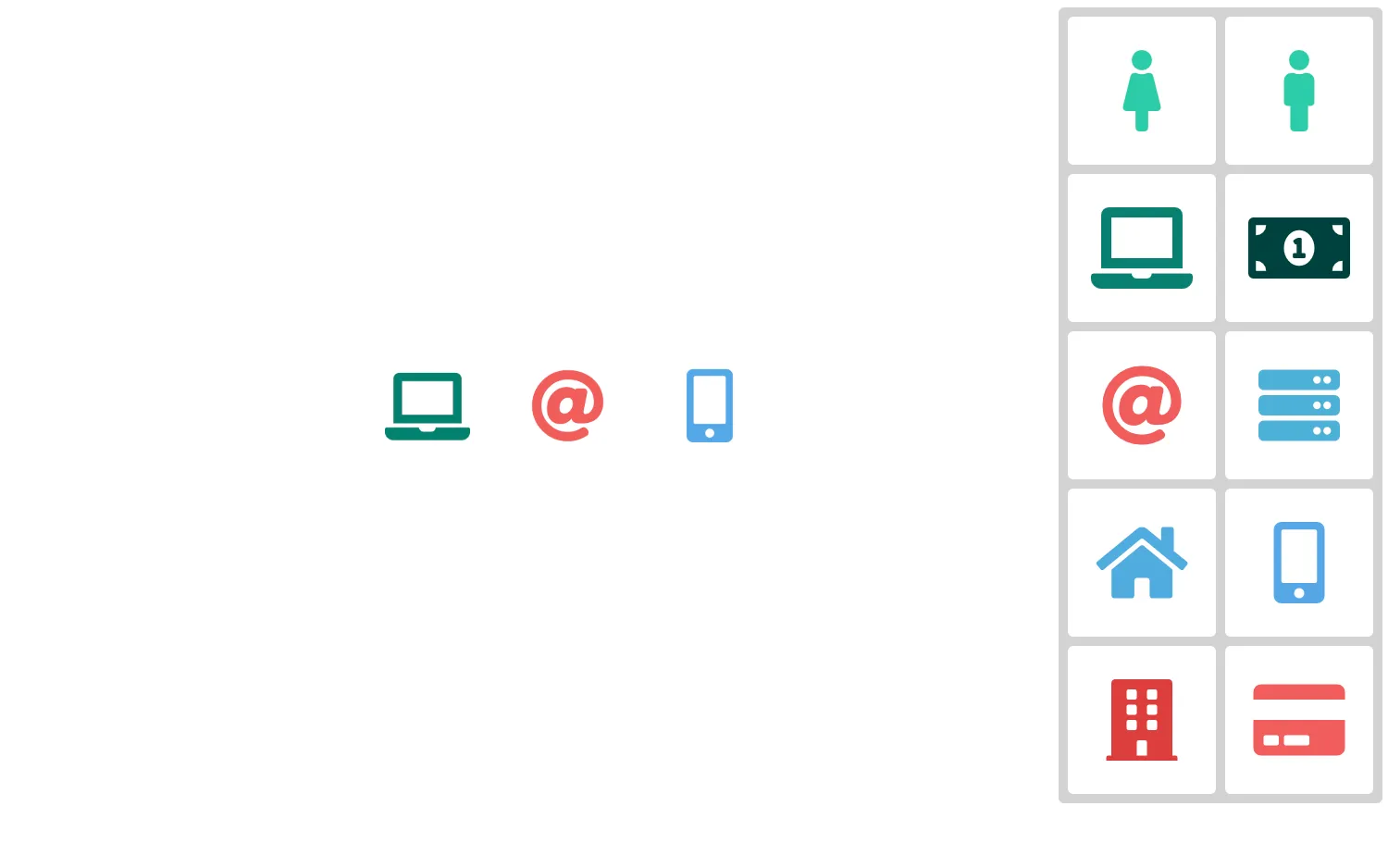
Drag icons from the toolbar onto the chart to add nodes.
Create and manipulate a dummy icon while the user drags. You can then add a node in the relevant position when the drag completes.
See also
import React, { useState } from "react";
import { createRoot } from "react-dom/client";

import { Chart } from "regraph";

import { style } from "@ci/theme/rg/js/storyStyles";

import "@fortawesome/fontawesome-free/css/fontawesome.css";
import "@fortawesome/fontawesome-free/css/solid.css";

const INITIAL_DRAGGING_STATE = { color: null, icon: null, x: -1000, y: -1000 };

const ICONS = [
  [style.primary1.color, "female"],
  [style.primary1.color, "male"],
  [style.primary2.color, "laptop"],
  [style.primary3.color, "money-bill-alt"],
  [style.secondary1.color, "at"],
  [style.cat06.color, "server"],
  [style.cat07.color, "home"],
  [style.cat08.color, "mobile-alt"],
  [style.secondary2.color, "building"],
  [style.secondary1.color, "credit-card"],
];

const options = {
  fit: "none",
  imageAlignment: {
    "fas fa-female": { size: 1.13 },
    "fas fa-male": { size: 1.11 },
    "fas fa-laptop": { size: 1.19 },
    "fas fa-money-bill-alt": { size: 1.19 },
    "fas fa-at": { size: 1.12 },
    "fas fa-server": { size: 1.085 },
    "fas fa-home": { size: 1.115 },
    "fas fa-mobile-alt": { size: 1.11 },
    "fas fa-building": { size: 1.11 },
    "fas fa-credit-card": { size: 1.15 },
  },
  navigation: false,
  overview: false,
};

function DragAndDrop() {
  const [draggingState, setDraggingState] = useState(INITIAL_DRAGGING_STATE);
  const [state, setState] = useState({ items: {}, positions: {} });
  const containerRef = React.useRef(null);
  const chartRef = React.useRef(null);

  const handleDragEnd = (event) => {
    if (containerRef.current == null || chartRef.current == null) {
      return;
    }

    const containerRect = containerRef.current.getBoundingClientRect();

    const withinChartX = event.x >= 0 && event.x <= containerRect.width;
    const withinChartY = event.y >= 0 && event.y <= containerRect.height;
    const withinChart = withinChartX && withinChartY;

    if (!withinChart) {
      setDraggingState({ ...INITIAL_DRAGGING_STATE });
      return;
    }

    const itemId = Object.keys(state.items).length;
    const { x, y } = chartRef.current.worldCoordinates(
      event.x - containerRect.left,
      event.y - containerRect.top,
    );

    setState((current) => {
      return {
        positions: {
          ...current.positions,
          [itemId]: { x, y },
        },
        items: {
          ...current.items,
          [itemId]: {
            color: "rgba(0, 0, 0, 0)",
            fontIcon: {
              color: event.color,
              fontFamily: "Font Awesome 5 Free",
              text: `fa-${event.icon}`,
            },
            size: 1.0175,
          },
        },
      };
    });

    setDraggingState({ ...INITIAL_DRAGGING_STATE });
  };

  return (
    <div
      ref={containerRef}
      style={{
        height: "100%",
        overflow: "hidden",
        position: "relative",
        touchAction: "none",
      }}
    >
      <Chart
        animation={{ animate: false }}
        items={state.items}
        options={options}
        positions={state.positions}
        ref={chartRef}
        onChange={({ positions }) => {
          if (!positions) {
            return;
          }
          setState((current) => {
            return { ...current, positions };
          });
        }}
      />
      <div
        style={{
          alignContent: "space-between",
          backgroundColor: "rgba(192, 192, 192, 0.7)",
          borderRadius: "3px",
          display: "flex",
          flexWrap: "wrap",
          height: "420px",
          justifyContent: "space-between",
          padding: "5px",
          position: "absolute",
          right: 5,
          top: 5,
          width: "165px",
        }}
      >
        {ICONS.map(([color, icon]) => (
          <Item
            color={color}
            icon={icon}
            key={icon}
            onDragEnd={handleDragEnd}
            onDrag={setDraggingState}
            onDragStart={setDraggingState}
          />
        ))}
      </div>
      <i
        className={`fas fa-${draggingState.icon}`}
        style={{
          fontSize: "44px",
          color: draggingState.color,
          left: draggingState.x,
          position: "absolute",
          top: draggingState.y,
          transform: "translateX(-50%) translateY(-50%)",
        }}
      />
    </div>
  );
}

function Item({ color, icon, onDragStart, onDrag, onDragEnd }) {
  const [isDragging, setIsDragging] = useState(false);

  const handlePointerDown = ({ clientX: x, clientY: y }) => {
    setIsDragging(true);
    onDragStart({ color, icon, x, y });
  };
  const handlePointerMove = React.useCallback(
    ({ clientX: x, clientY: y }) => onDrag({ color, icon, x, y }),
    [color, icon, onDrag],
  );
  const handlePointerUp = React.useCallback(
    ({ clientX: x, clientY: y }) => {
      setIsDragging(false);
      onDragEnd({ color, icon, x, y });
    },
    [color, icon, onDragEnd],
  );

  React.useLayoutEffect(() => {
    if (!isDragging) {
      return undefined;
    }

    window.document.addEventListener("pointermove", handlePointerMove, false);
    window.document.addEventListener("pointerup", handlePointerUp, false);

    return () => {
      window.document.removeEventListener(
        "pointermove",
        handlePointerMove,
        false,
      );
      window.document.removeEventListener("pointerup", handlePointerUp, false);
    };
  }, [handlePointerMove, handlePointerUp, isDragging]);

  return (
    <button
      style={{
        width: "80px",
        height: "80px",
        margin: 0,
        borderColor: "transparent",
      }}
      type="button"
      onPointerDown={handlePointerDown}
    >
      <i className={`fas fa-${icon}`} style={{ color, fontSize: "44px" }} />
    </button>
  );
}

const FontReadyChart = React.lazy(() =>
  document.fonts.load("900 24px 'Font Awesome 5 Free'").then(() => ({
    default: DragAndDrop,
  })),
);

export function Demo() {
  return (
    <React.Suspense fallback="">
      <FontReadyChart />
    </React.Suspense>
  );
}

const root = createRoot(document.getElementById("regraph"));
root.render(<Demo />);<!doctype html>
<html>
<body>
<div id="regraph" style="height: 100vh"></div>
<script type="module" src="./code.jsx"></script>
</body>
</html>