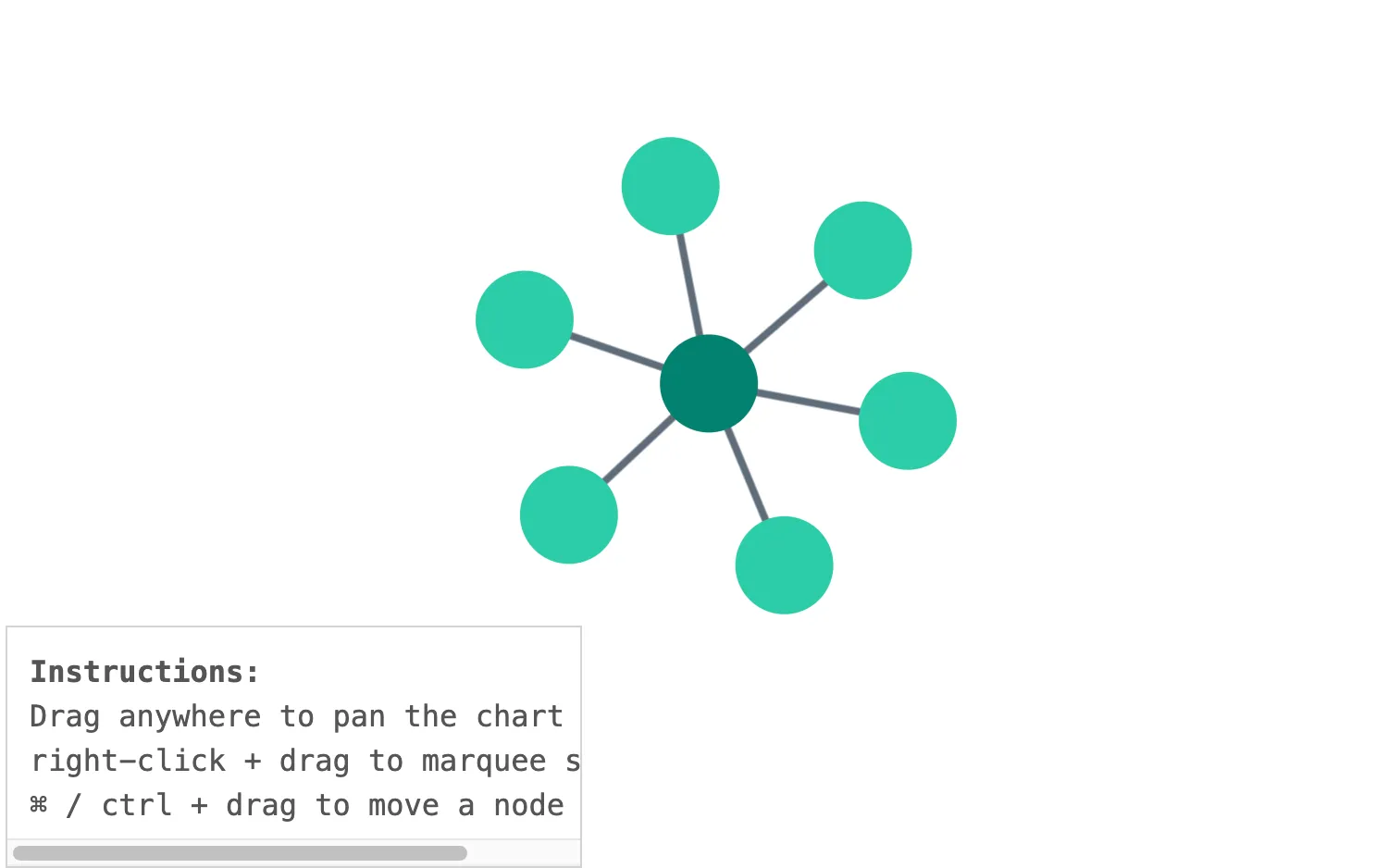
Customize dragging behavior with onDragStart.
Use setDragOptions to specify which type of drag occurs e.g. on different pointer actions and key presses. Our events are following the latest W3C specification (external).
See also
import React from "react";
import { createRoot } from "react-dom/client";

import { Chart } from "regraph";

import data from "./data";

import "@ci/theme/rg/css/properties.css";

export const Demo = () => (
  <DragEvents items={      } options={{ navigation: false, overview: false }} />
);

function DragEvents(props) {
  const { items, options } = props;

  const handleDragStart = ({ id, button, setDragOptions, modifierKeys: { consistentCtrl } }) => {
    if (consistentCtrl) {
      setDragOptions({ type: "node" });
    } else if (button === 2) {
      setDragOptions({ type: "marquee" });
    } else if (id) {
      setDragOptions({ type: "pan" });
    }
  };

  return (
    <div className="story">
      <div className="chart-wrapper">
        <Chart items={items} options={options} onDragStart={handleDragStart} />
      </div>
      <pre className="properties">
        <b>Instructions:</b>
        <br />
        Drag anywhere to pan the chart <br />
        right-click + drag to marquee select <br />⌘ / ctrl + drag to move a node
      </pre>
    </div>
  );
}

const root = createRoot(document.getElementById("regraph"));
root.render(<Demo />);import { style } from "@ci/theme/rg/js/storyStyles";
function data() {
return {
1: {
...style.primary2,
data: { level: 1 },
},
2: {
...style.primary1,
data: { level: 2 },
},
3: {
...style.primary1,
data: { level: 2 },
},
4: {
...style.primary1,
data: { level: 2 },
},
5: {
...style.primary1,
data: { level: 2 },
},
6: {
...style.primary1,
data: { level: 2 },
},
7: {
...style.primary1,
data: { level: 2 },
},
"1-2": {
id1: "1",
id2: "2",
...style.link,
},
"1-3": {
id1: "1",
id2: "3",
...style.link,
},
"1-4": {
id1: "1",
id2: "4",
...style.link,
},
"1-5": {
id1: "1",
id2: "5",
...style.link,
},
"1-6": {
id1: "1",
id2: "6",
...style.link,
},
"1-7": {
id1: "1",
id2: "7",
...style.link,
},
};
}
export default data;<!doctype html>
<html>
<body>
<div id="regraph" style="height: 100vh"></div>
<script type="module" src="./code.jsx"></script>
</body>
</html>