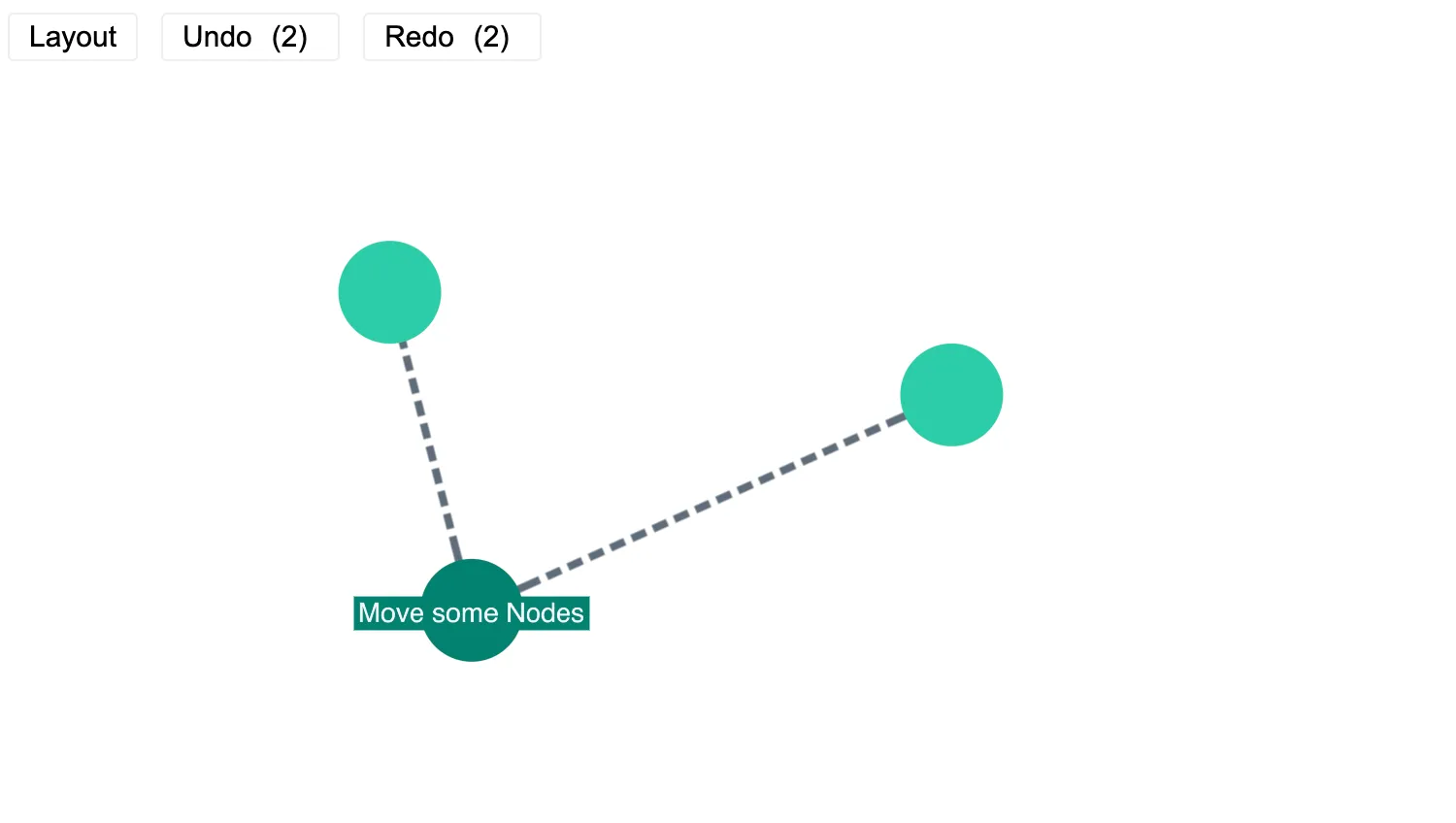
Move items on the chart and then undo the changes using the buttons above the chart.
Store previous charts in an array in your state. You can then step through this array to restore previous versions of your chart.
See also
import React, { useState } from "react";
import { createRoot } from "react-dom/client";
import { Chart } from "regraph";
import data from "./data";
import "@ci/theme/rg/css/button.css";
import "@ci/theme/rg/css/layout.css";
export const Demo = () => <UndoRedo items={data()} />;
function UndoRedo(props) {
const { items } = props;
const [state, setState] = useState({
undo: [],
redo: [],
currentChart: {
items,
},
});
const add = (newChart) => {
const { undo, currentChart } = state;
setState({
undo: [currentChart, ...undo],
redo: [],
currentChart: newChart,
});
};
const doUndo = () => {
const { undo, redo, currentChart } = state;
if (undo.length > 0) {
const [first, ...rest] = undo;
setState({
undo: rest,
redo: [currentChart, ...redo],
currentChart: first,
});
}
};
const doRedo = () => {
const { undo, redo, currentChart } = state;
if (redo.length > 0) {
const [first, ...rest] = redo;
setState({
undo: [currentChart, ...undo],
redo: rest,
currentChart: first,
});
}
};
const changeHandler = (change) => {
const { positions, why } = change;
const { currentChart } = state;
const newChart = { ...currentChart, ...change };
if (positions) {
if (why === "user") {
// user has dragged a node so push change onto stack
add(newChart);
} else {
// positions have just been laid out automatically, so update the currentChart
// state with these positions
setState((current) => {
return { ...current, currentChart: newChart };
});
}
}
};
const doLayout = () => {
const { currentChart } = state;
const newChart = { ...currentChart, positions: {} };
add(newChart);
};
return (
<div className="story">
<div className="options">
<button type="button" onClick={doLayout}>
Layout
</button>
<button type="button" onClick={doUndo}>
Undo
<span className="count">({state.undo.length})</span>
</button>
<button type="button" onClick={doRedo}>
Redo
<span className="count">({state.redo.length})</span>
</button>
</div>
<div className="chart-wrapper">
<Chart
items={state.currentChart.items}
positions={state.currentChart.positions}
onChange={changeHandler}
animation={{ animate: true, time: 450 }}
options={{ navigation: false, overview: false }}
/>
</div>
</div>
);
}
const root = createRoot(document.getElementById("regraph"));
root.render(<Demo />);import { style } from "@ci/theme/rg/js/storyStyles";
function data() {
return {
n1: { ...style.primary1 },
n2: {
label: { text: "Move some Nodes", ...style.primaryLabel2 },
...style.primary2,
},
n3: { ...style.primary1 },
l1: { ...style.link, id1: "n1", id2: "n2", lineStyle: "dashed" },
l2: { ...style.link, id1: "n2", id2: "n3", lineStyle: "dashed" },
};
}
export default data;<!doctype html>
<html>
<body>
<div id="regraph" style="height: 100vh"></div>
<script type="module" src="./code.jsx"></script>
</body>
</html>