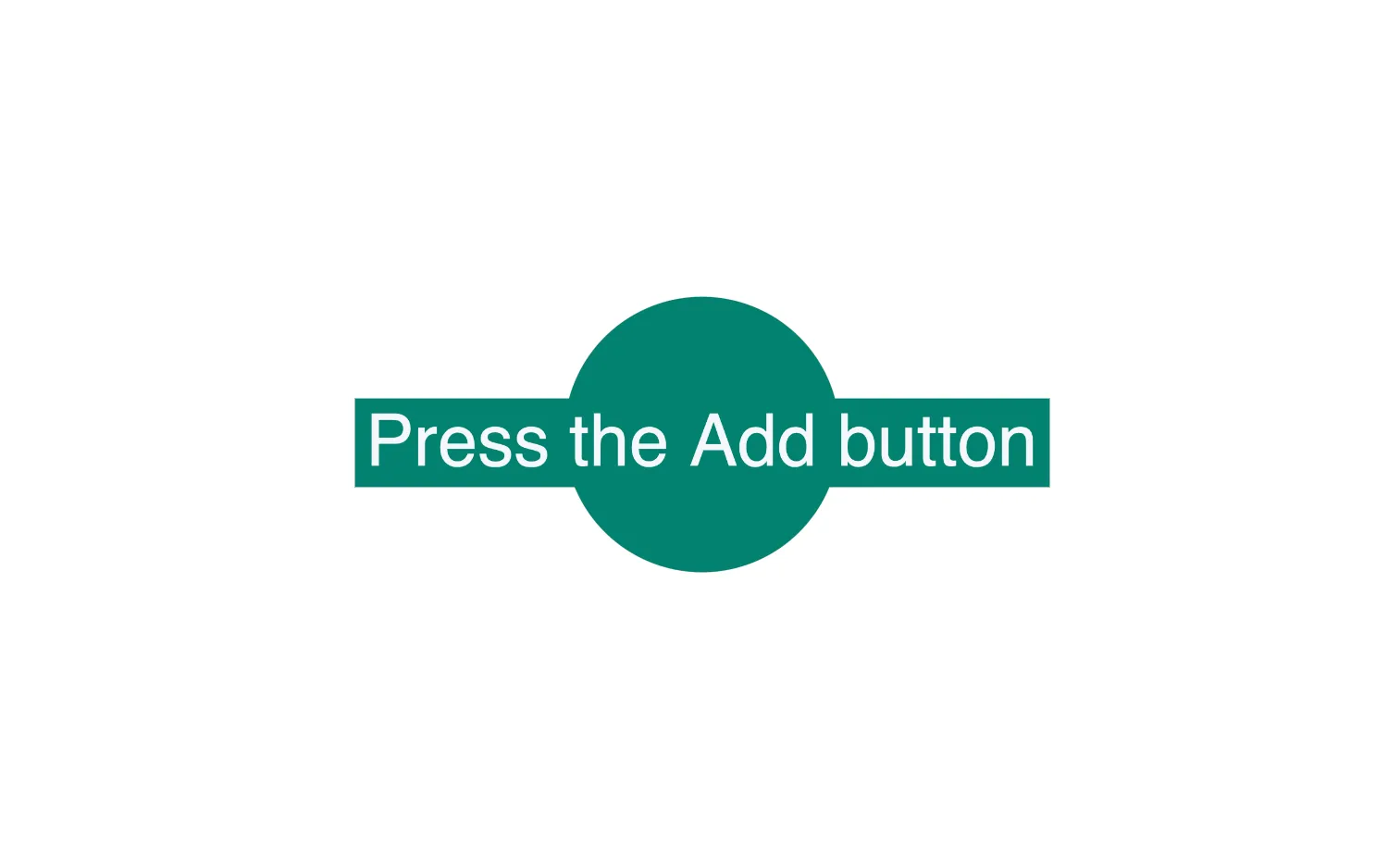
ReGraph automatically draws and animates changes to your items.
When you update the items prop, ReGraph automatically finds any changes and provides a smooth transition animation from the old state to the new one.
See also
import React, { useState } from "react";
import { createRoot } from "react-dom/client";

import omitBy from "lodash/omitBy";
import { Chart } from "regraph";

import initialData from "./data";
import { style } from "@ci/theme/rg/js/storyStyles";

import "@ci/theme/rg/css/button.css";
import "@ci/theme/rg/css/layout.css";

export const Demo = () => <DynamicData data={initialData()} />;

function DynamicData(props) {
  const { data } = props;
  const [state, setState] = useState({
    count: 1,
    items: data.items,
    layout: data.layout,
  });

  const addNodeAndLink = () => {
    setState((current) => {
      const { count, items } = current;
      const newData = {};
      newData[`node${count}`] = {
        label: { ...style.primaryLabel1, text: count },
        ...style.primary1,
      };
      newData[`link${count}`] = {
        id1: "node0",
        id2: `node${count}`,
        ...style.link,
      };
      const allItems = { ...items, ...newData };
      return { ...current, count: count + 1, items: allItems };
    });
  };

  const remove = () => {
    if (state.count > 1) {
      const nextItems = omitBy(
        state.items,
        (value, key) => parseInt(key.substr(4), 10) === state.count - 1,
      );
      setState((current) => {
        return { ...current, count: current.count - 1, items: nextItems };
      });
    }
  };

  return (
    <div className="story">
      <div className="options">
        <button type="button" onClick={addNodeAndLink}>
          Add
        </button>
        <button type="button" onClick={remove} disabled={state.count <= 1}>
          Remove
        </button>
      </div>
      <div className="chart-wrapper">
        <Chart
          items={state.items}
          animation={{ animate: true, time: 650 }}
          layout={state.layout}
          options={{ navigation: false, overview: false }}
        />
      </div>
    </div>
  );
}

const root = createRoot(document.getElementById("regraph"));
root.render(<Demo />);import { style } from "@ci/theme/rg/js/storyStyles";
function initialData() {
return {
items: {
node0: {
label: { ...style.primaryLabel2, text: "Press the Add button" },
...style.primary2,
},
},
layout: { name: "organic", packing: "rectangle" },
};
}
export default initialData;<!doctype html>
<html>
<body>
<div id="regraph" style="height: 100vh"></div>
<script type="module" src="./code.jsx"></script>
</body>
</html>