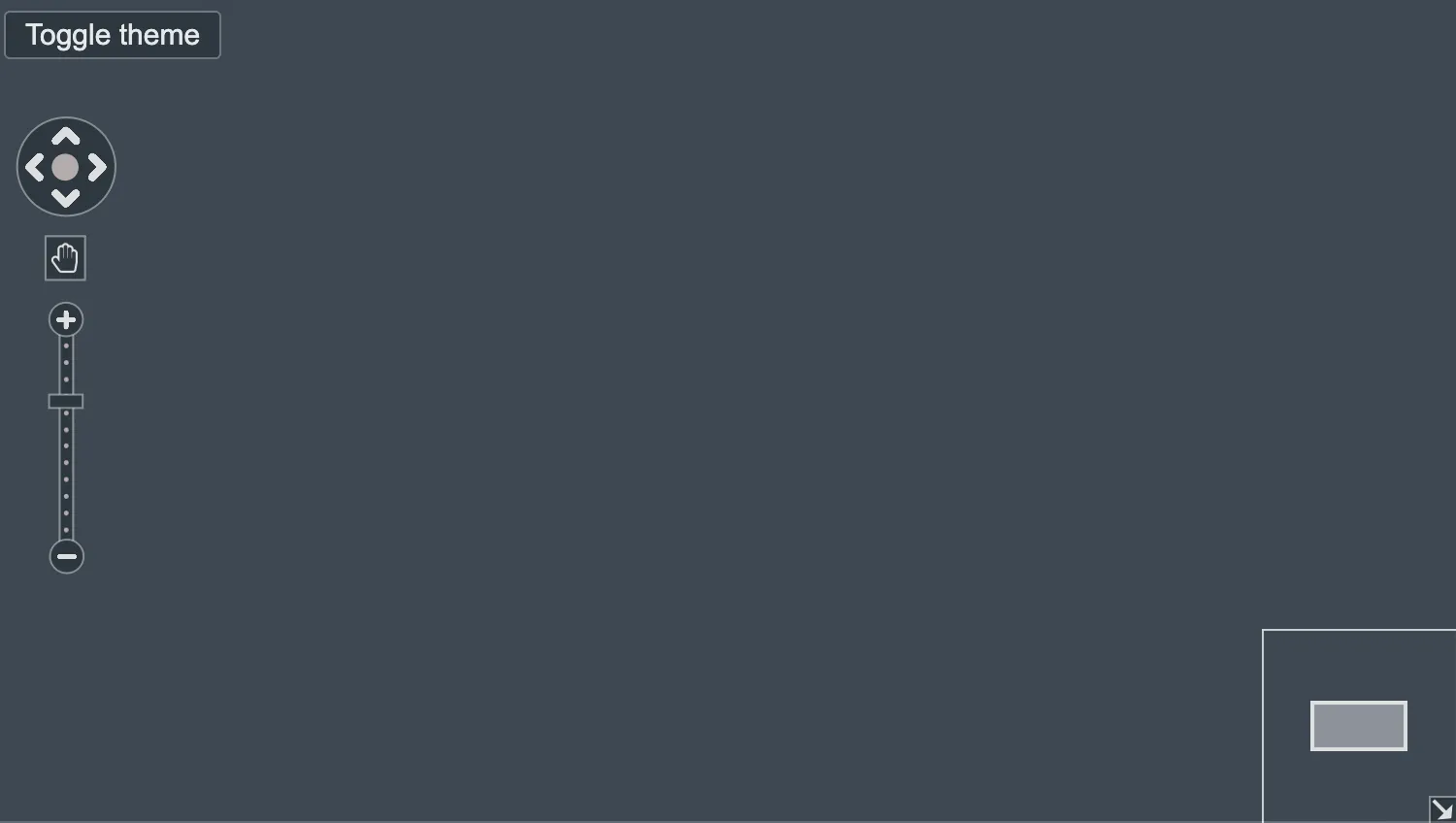
Use the Toggle theme button to switch between light and dark modes.
For charts in dark mode, set a dark backgroundColor and change the theme for navigation controls and the overview window with the controlTheme property of the options prop.
See also
import React, { useState } from "react";
import { createRoot } from "react-dom/client";

import { Chart } from "regraph";

import { darkButtonStyle } from "./data";
import { style } from "@ci/theme/rg/js/storyStyles";

export const Demo = () => <DarkMode />;

const styles = {
  dark: { backgroundColor: style.colors.darkCharcoal },
  light: { backgroundColor: style.colors.pureWhite },
};

function DarkMode() {
  const [theme, setTheme] = useState("dark");

  const { backgroundColor } = styles[theme];

  return (
    <div className="story">
      <div className="options" style={{ backgroundColor }}>
        <button
          type="button"
          onClick={() => {
            setTheme(theme === "dark" ? "light" : "dark");
          }}
          style={theme === "dark" ? darkButtonStyle : {}}
        >
          Toggle theme
        </button>
      </div>
      <div className="chart-wrapper">
        <Chart
          options={{ backgroundColor, controlTheme: theme, overview: true }}
        />
      </div>
    </div>
  );
}

const root = createRoot(document.getElementById("regraph"));
root.render(<Demo />);export const darkButtonStyle = {
backgroundColor: "rgb(45, 56, 64)",
color: "rgb(229, 232, 235)",
borderWidth: 1,
borderColor: "rgb(112,118,126)",
};<!doctype html>
<html>
<body>
<div id="regraph" style="height: 100vh"></div>
<script type="module" src="./code.jsx"></script>
</body>
</html>