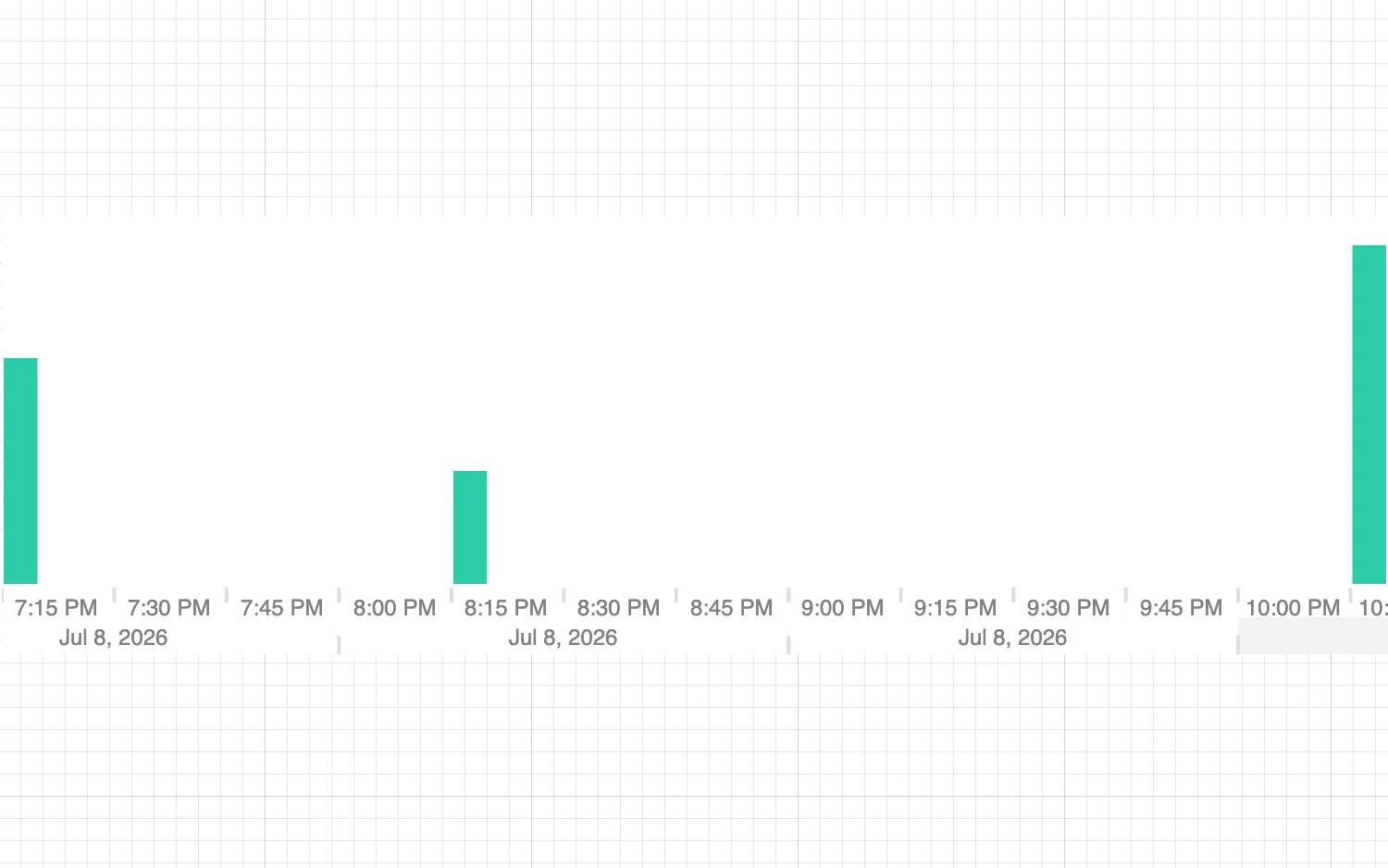
Click on bars to highlight them.
Sliders are a manual control for the time bar range prop. You can hide the sliders to show only data within range.
Set the sliders.type option to ‘none’ to remove sliders.
See also
import React, { useState } from "react";
import { createRoot } from "react-dom/client";

import { TimeBar } from "regraph";

import data from "./data";
import { style } from "@ci/theme/rg/js/storyStyles";

export const Demo = () => <WithoutSliders items={data()} />;

function WithoutSliders(props) {
  const { items } = props;
  const [highlight, setHighlight] = useState([]);

  const removeHighlight = () => {
    setHighlight([]);
  };

  const highlightBar = ({ type, start }) => {
    setHighlight(type === "bar" ? [start] : []);
  };

  return (
    <div className="timebar-wrapper">
      <TimeBar
        items={items}
        highlight={highlight}
        onChange={removeHighlight}
        onClick={highlightBar}
        options={{
          sliders: { type: "none" },
          style: { ...style.primary1, hoverColor: style.primary0.color },
        }}
      />
    </div>
  );
}

const root = createRoot(document.getElementById("regraph"));
root.render(<Demo />);function data() {
return {
id1: { times: [{ time: Date.now(), value: 2 }] },
id2: { times: [{ time: Date.now() + 1000 * 60 * 60 }] },
id3: { times: [{ time: Date.now() + 1000 * 60 * 60 * 3, value: 3 }] },
};
}
export default data;<!doctype html>
<html>
<body>
<div id="regraph" style="height: 100vh"></div>
<script type="module" src="./code.jsx"></script>
</body>
</html>