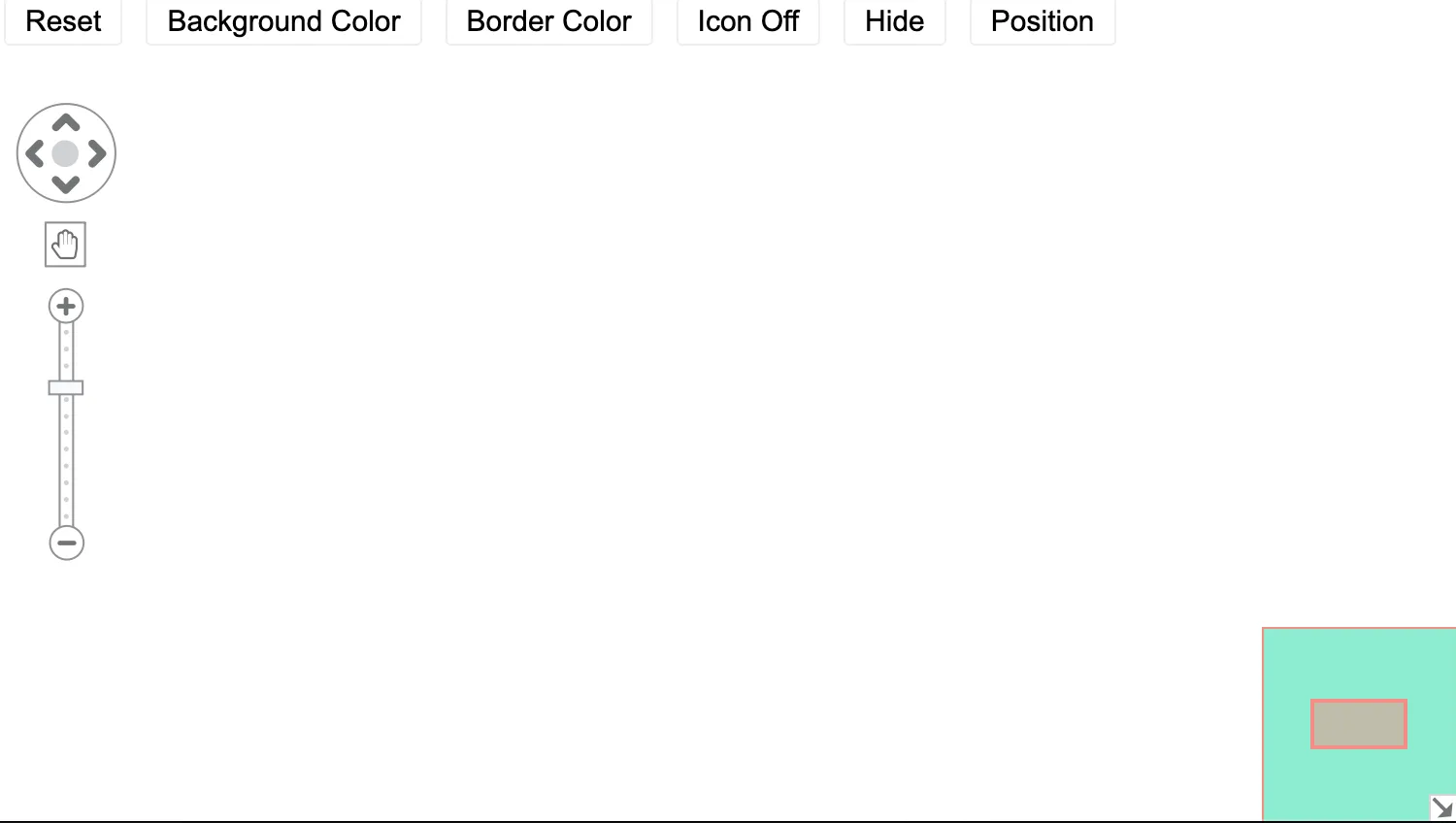
Use the buttons above the chart to change the overview window’s appearance.
You can customize the overview window using the overview chart option.
See also
import React from "react";
import { createRoot } from "react-dom/client";

import { Chart } from "regraph";

import { style } from "@ci/theme/rg/js/storyStyles";

import "@ci/theme/rg/css/button.css";
import "@ci/theme/rg/css/layout.css";

const backgroundColors = [
  style.primary0.color,
  style.primary1.color,
  style.primary2.color,
  style.primary3.color,
];

const borderColors = [
  style.secondary0.color,
  style.secondary1.color,
  style.secondary2.color,
  style.secondary3.color,
];

const positions = ["se", "sw", "nw", "ne"];

export const Demo = () => <Overview />;

class Overview extends React.Component {
  constructor(props) {
    super(props);
    this.state = {
      visible: true,
      showIcon: true,
      borderColorIndex: 0,
      backgroundColorIndex: 0,
      positionIndex: 0,
    };
  }

  removeOverview = () => {
    const { showIcon } = this.state;
    this.setState({
      showIcon: !showIcon,
    });
  };

  changePosition = () => {
    const { positionIndex } = this.state;
    const nextPosition = this.getNextSafeArrayIndex(
      positionIndex,
      positions.length,
    );
    this.setState({
      positionIndex: nextPosition,
    });
  };

  getNextSafeArrayIndex = (currentIndex, arrayLength) => {
    if (currentIndex === arrayLength - 1) return 0;
    return currentIndex + 1;
  };

  changeBackgroundColor = () => {
    const { backgroundColorIndex } = this.state;
    const nextColorIndex = this.getNextSafeArrayIndex(
      backgroundColorIndex,
      backgroundColors.length,
    );
    this.setState({
      backgroundColorIndex: nextColorIndex,
    });
  };

  changeBorderColor = () => {
    const { borderColorIndex } = this.state;
    const nextColorIndex = this.getNextSafeArrayIndex(
      borderColorIndex,
      borderColors.length,
    );
    this.setState({
      borderColorIndex: nextColorIndex,
    });
  };

  changeVisibility = () => {
    const { visible } = this.state;
    this.setState({
      visible: !visible,
    });
  };

  handleResetClick = () => {
    this.setState({
      visible: true,
      backgroundColorIndex: 0,
      borderColorIndex: 0,
      positionIndex: 0,
      showIcon: true,
    });
  };

  render() {
    const {
      visible,
      showIcon,
      backgroundColorIndex,
      borderColorIndex,
      positionIndex,
    } = this.state;
    return (
      <div className="story">
        <div className="options">
          <button type="button" onClick={this.handleResetClick}>
            Reset
          </button>
          <button type="button" onClick={this.changeBackgroundColor}>
            Background Color
          </button>
          <button type="button" onClick={this.changeBorderColor}>
            Border Color
          </button>
          <button type="button" onClick={this.removeOverview}>
            Icon {showIcon ? "Off" : "On"}
          </button>
          <button type="button" onClick={this.changeVisibility}>
            {visible ? "Hide" : "Show"}
          </button>
          <button type="button" onClick={this.changePosition}>
            Position
          </button>
        </div>
        <div className="chart-wrapper">
          <Chart
            options={{
              overview: {
                borderColor: borderColors[borderColorIndex],
                backgroundColor: backgroundColors[backgroundColorIndex],
                visible,
                showIcon,
                position: positions[positionIndex],
              },
            }}
            onChange={(change) => {
              if (change && typeof change.overview !== "undefined") {
                this.changeVisibility();
              }
            }}
          />
        </div>
      </div>
    );
  }
}

const root = createRoot(document.getElementById("regraph"));
root.render(<Demo />);<!doctype html>
<html>
<body>
<div id="regraph" style="height: 100vh"></div>
<script type="module" src="./code.jsx"></script>
</body>
</html>