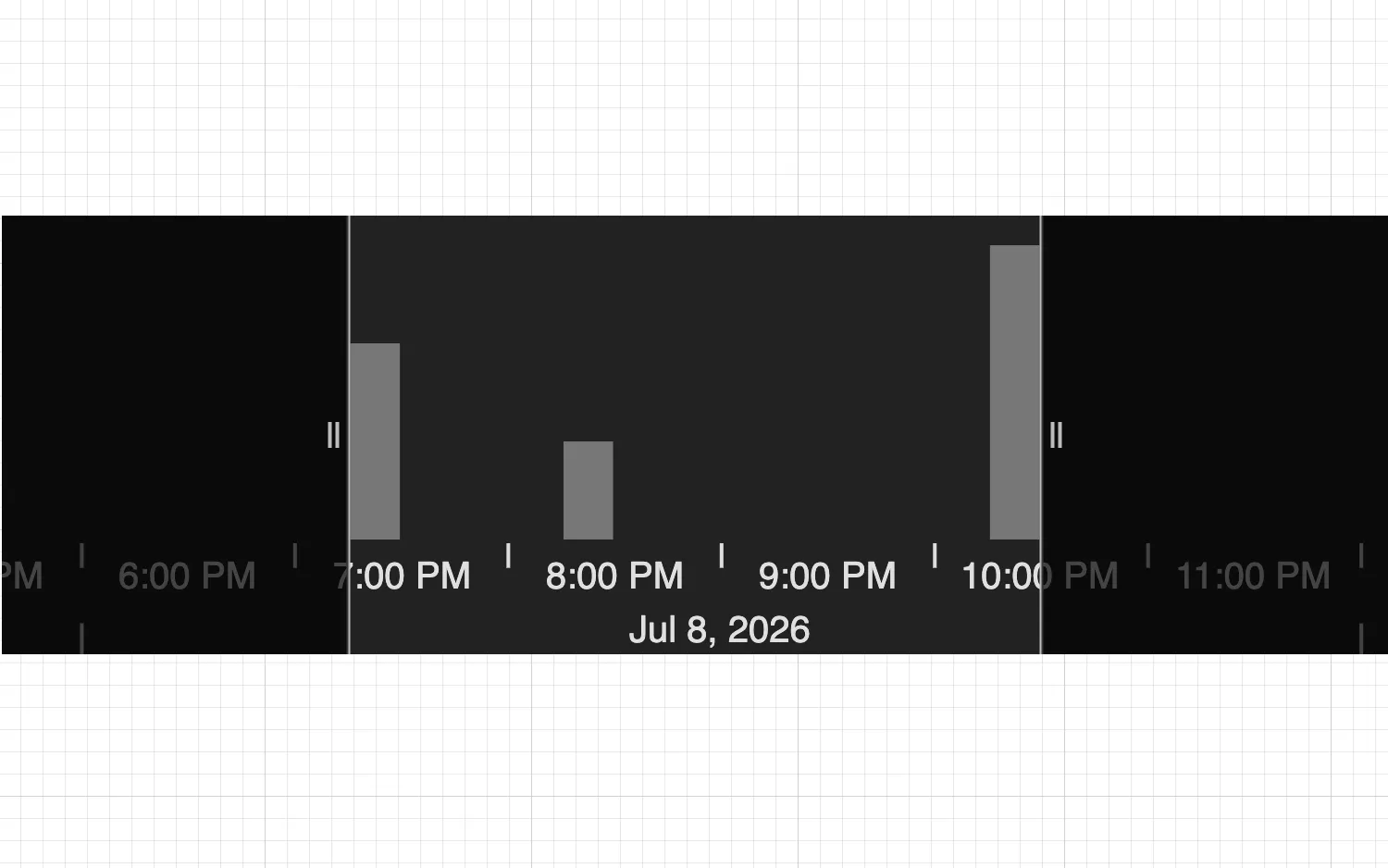
Customize the time bar using the options prop.
See also
import React from "react";
import { createRoot } from "react-dom/client";

import { TimeBar } from "regraph";

export const Demo = () => <TimeBarStyles items={data()} />;

function TimeBarStyles(props) {
  const { items } = props;
  return (
    <div className="timebar-wrapper">
      <TimeBar
        items={items}
        options={{
          backgroundColor: "#222222",
          style: { color: "#777", hoverColor: "#CCC" },
          sliders: { color: "rgba(0, 0, 0, 0.7)" },
          scale: { hoverColor: "#333" },
          labels: {
            color: "#E0E0E0",
            fontSize: 20,
          },
        }}
      />
    </div>
  );
}

function data() {
  return {
    id1: { times: [{ time: Date.now(), value: 2 }] },
    id2: { times: [{ time: Date.now() + 1000 * 60 * 60 }] },
    id3: { times: [{ time: Date.now() + 1000 * 60 * 60 * 3, value: 3 }] },
  };
}

const root = createRoot(document.getElementById("regraph"));
root.render(<Demo />);<!doctype html>
<html>
<body>
<div id="regraph" style="height: 100vh"></div>
<script type="module" src="./code.jsx"></script>
</body>
</html>