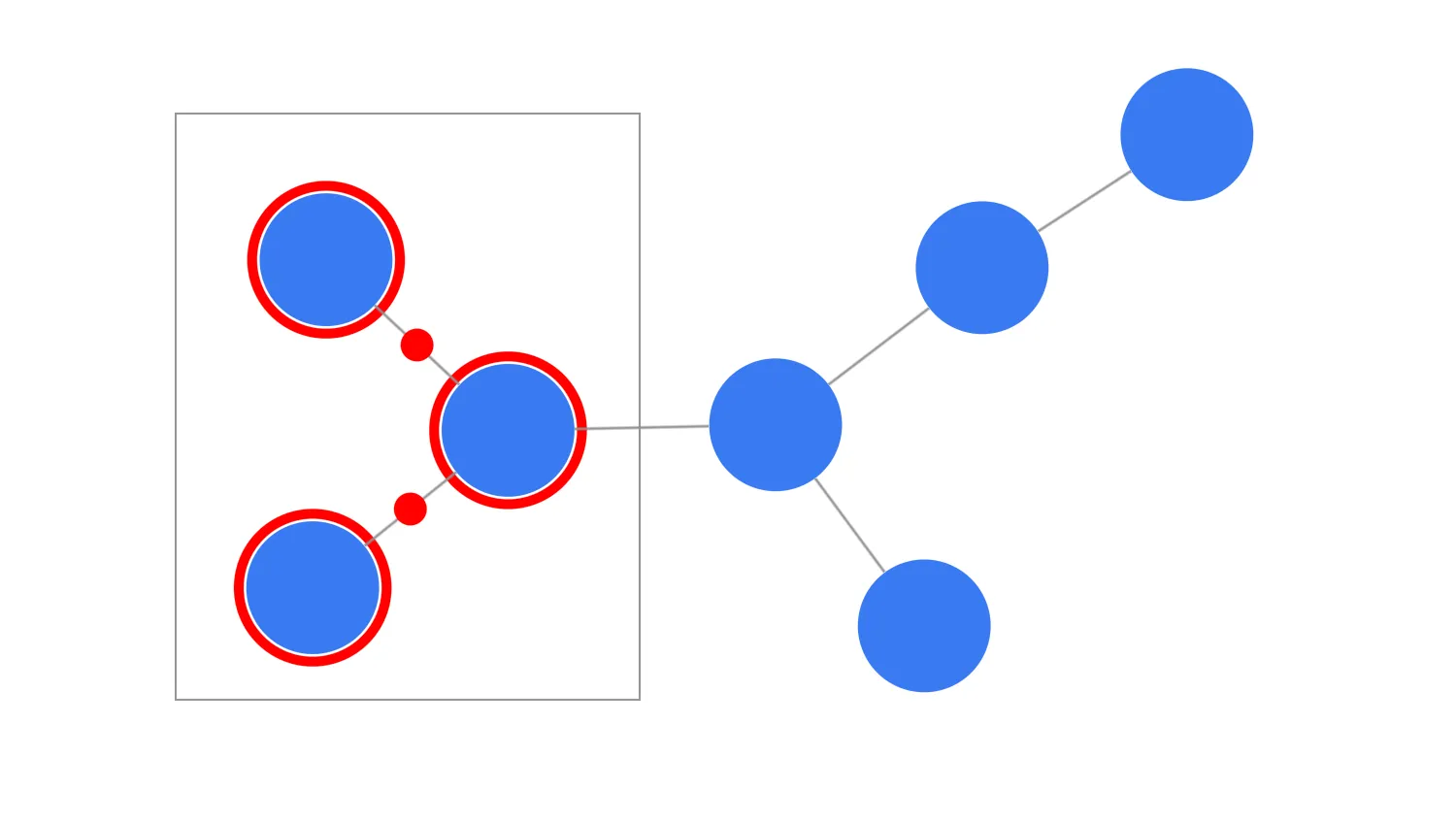
The drag-start event and its properties let you customise the dragging behaviour.
By passing arguments to the setDragOptions function you can control various aspects of dragging including default draggers.
Use the active modifierKeys and mouse buttons to create custom draggers over the chart or its specific components.
Key functions used:
import KeyLines from "keylines";
import { data } from "./data.js";

let chart;

function dragStartHandler({ button, modifierKeys, setDragOptions }) {
  // Retrieve the selected option
  const selectedDragOption = document.querySelector(
    'input[name="customDrag"]:checked',
  ).value;

  if (
    (selectedDragOption === "dragRightPan" && button === 2) ||
    (selectedDragOption === "dragCtrlPan" && modifierKeys.ctrl) ||
    selectedDragOption === "alwaysPan"
  ) {
    // Set the dragging options by returning a function here
    // with the desired dragging behaviour
    setDragOptions({ type: "pan" });
  }
}

async function startKeyLines() {
  const options = {
    logo: {
      u: "/public/images/Logo.png",
    },
    selectionColour: "#ff0000",
  };

  chart = await KeyLines.create({ container: "klchart", options });
  chart.load(data);
  chart.layout("organic");
  // Attach a handler to the drag-start event
  chart.on("drag-start", dragStartHandler);
}

window.addEventListener("DOMContentLoaded", startKeyLines);export const data = {
type: "LinkChart",
items: [
{
type: "node",
id: "Node 1",
c: "#397af2",
},
{
type: "node",
id: "Node 2",
c: "#397af2",
},
{
type: "node",
id: "Node 3",
c: "#397af2",
},
{
type: "node",
id: "Node 4",
c: "#397af2",
},
{
type: "node",
id: "Node 5",
c: "#397af2",
},
{
type: "node",
id: "Node 6",
c: "#397af2",
},
{
type: "node",
id: "Node 7",
c: "#397af2",
},
{
type: "link",
id: "Node 1 - Node 2",
id1: "Node 1",
id2: "Node 2",
},
{
type: "link",
id: "Node 1 - Node 3",
id1: "Node 1",
id2: "Node 3",
},
{
type: "link",
id: "Node 1 - Node 4",
id1: "Node 1",
id2: "Node 4",
},
{
type: "link",
id: "Node 2 - Node 5",
id1: "Node 2",
id2: "Node 5",
},
{
type: "link",
id: "Node 2 - Node 6",
id1: "Node 2",
id2: "Node 6",
},
{
type: "link",
id: "Node 5 - Node 7",
id1: "Node 5",
id2: "Node 7",
},
],
};<!doctype html>
<html lang="en" style="background-color: #2d383f">
<head>
<meta charset="utf-8" />
<title>Custom Dragging</title>
<link rel="stylesheet" type="text/css" href="@ci/theme/kl/css/keylines.css" />
<link rel="stylesheet" type="text/css" href="@ci/theme/kl/css/minimalsdk.css" />
<link rel="stylesheet" type="text/css" href="@ci/theme/kl/css/sdk-layout.css" />
<link rel="stylesheet" type="text/css" href="@ci/theme/kl/css/demo.css" />
</head>
<body>
<div id="klchart" class="klchart"></div>
<script type="module" src="./code.js"></script>
</body>
</html>